Seasonal
Christmas EmotesSame face, holiday sweater.
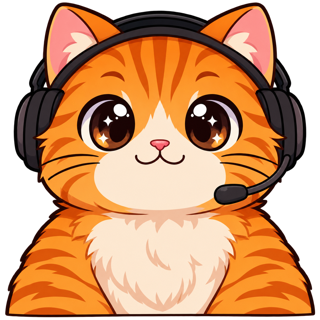
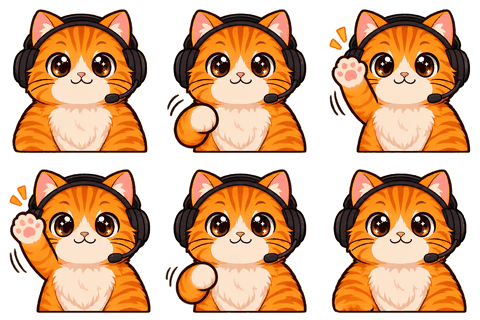
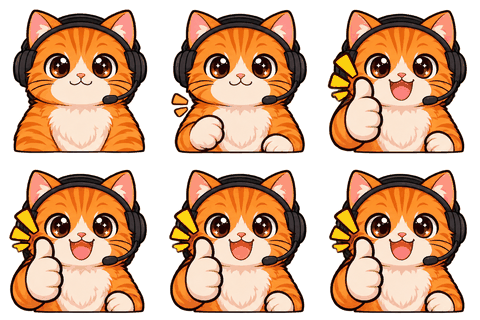
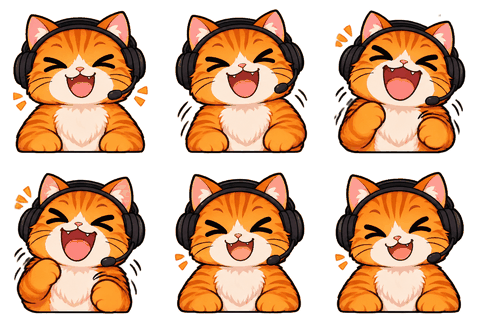
Christmas Emotes puts your locked character in a holiday outfit — knit sweater, Santa hat, scarf — as a new outfit version of the same character, so you can remake your emotes, badges and stickers for December without your viewers wondering who the new guy is.
- One character, every asset
- Passes Twitch & Discord limits
- Start free, no picture needed
How it works
An outfit version, not a new character
Holiday emotes usually mean commissioning a second set, and it rarely matches the first. Here you make a holiday outfit sheet from your existing character (2 credits). The face, hair, body and colors stay; the clothes change. Confirm it, and it becomes its own version in My characters, linked to the original.
Open that version and every module works the same: animated emotes, sub badges, a PNGTuber in a Santa hat, a festive offline screen, stickers for your Discord.
Ideas
Holiday emotes chat actually uses
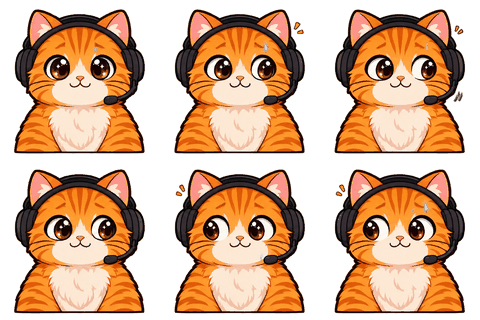
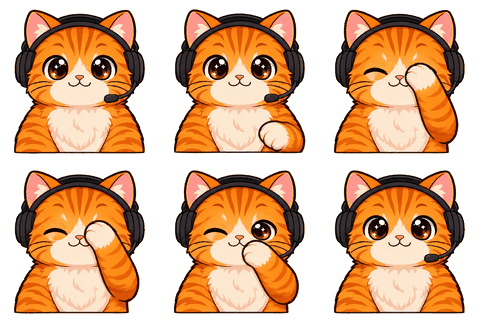
- Hi in a Santa hat — the obvious one, and it gets used.
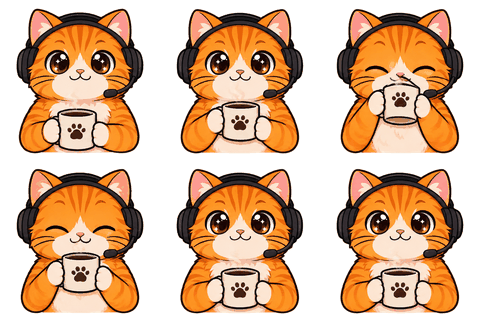
- Sip with hot cocoa — swap the coffee for something seasonal with a custom move.
- Sleep under a blanket — the December BRB.
- A sign emote: “Merry Christmas chat!” or “Happy holidays!”
- Hype with confetti for the end-of-year sub train.
Christmas isn’t the only option: Halloween, Lunar New Year and Valentine’s outfits work the same way.
Timing
Upload early
Twitch reviews new emotes, and the holidays are busy. Make the set in late November, upload in the first week of December. The workbench shows a Christmas pack banner from 20 November to 25 December as a reminder.
Who it’s for
Who this is for
Made for small streamers who want a seasonal refresh without a second commission: a holiday sweater on the character viewers already know, a handful of December emotes, and an offline screen that says you’re taking a break. Everything else about the character stays exactly as your community knows it.
Outfits
What the Christmas outfit looks like
The default Christmas outfit is a cozy red-and-white knit sweater, a Santa hat and a small scarf. It’s meant to read at emote size: the hat changes the silhouette, the sweater changes the color, and the face stays yours. If your character already wears a hat, the outfit usually keeps it and adds the scarf.
Other holidays follow the same idea: a cape and small hat with a pumpkin for Halloween, red and gold with a lantern for Lunar New Year, pink and red with a heart for Valentine’s.
A December kit
A small seasonal set
- Outfit sheet — 2 credits.
- Four emotes: Hi, Sip, Sleep, Hype — 4 credits.
- One sign emote: “Merry Christmas chat!” — 1 credit.
- Offline screen in the outfit — 1 credit.
- Stickers and a print sheet — free.
Eight credits for a December refresh. Switch back to your normal set in January; both versions stay in your account.
How versions work
Two characters, one family
When you confirm an outfit sheet, a new character appears in My characters, named after the original with the holiday added (for example “Mochi · Christmas”). It shares the original’s reference pictures and keeps its own sheet. Everything you make in it is filed under that version, so your normal emote set and your holiday set never get mixed up in a download. Delete the holiday version in January if you like; the original isn’t touched.
Limits
Small print
Outfit sheets can drift a little more than normal ones, because clothing changes on purpose. Lock it only if the face still reads as your character. Seasonal emotes still need Affiliate or Partner to upload as animated emotes on Twitch.
FAQ
Frequently asked questions
How do I make Christmas emotes of my character?
Lock your character, make a Christmas outfit sheet (2 credits), confirm it, then make emotes from that outfit version.
Will it still look like my character?
The face, hair and colors are kept; only clothes change. Confirm the outfit sheet only if it reads right.
Which holidays are available?
Christmas, Halloween, Lunar New Year and Valentine’s.
Do I lose my normal emotes?
No. The outfit is a separate version; your original character stays as it is.
Can I make holiday badges and stickers?
Yes, every module works on the outfit version.
When should I upload them?
Late November or early December, so Twitch’s review is done before the holidays.
How much does it cost?
Two credits for the outfit sheet, then normal prices (1 credit per emote).
Can I start with Christmas if I have no character yet?
Yes: create a character first (from a picture or a brief), then add the outfit.
Is there a Christmas pack discount?
No discount: outfit sheets cost 2 credits and emotes 1 credit, as always. The Christmas banner is just a reminder from 20 November to 25 December.
Can I make a Christmas PNGTuber?
Yes. Open the Christmas version of your character and use the PNGTuber module; the four states come in the outfit.
Can I have both a Christmas and a Halloween version?
Yes. Each holiday outfit becomes its own version, listed under the original character.
Related
Keep going
No character yet? Design one in 2 minutes.
Upload a picture or answer five questions. First round of drafts is free.