Discord sticker maker
Discord Sticker MakerExactly 320×320, under 512 KB.
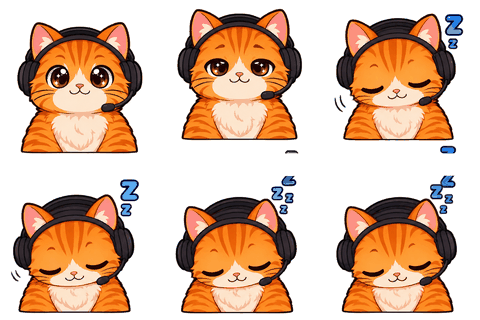
Discord Sticker Maker turns the emotes you made for your character into 320×320 Discord stickers — animated APNG or still PNG, white outline, under 512 KB — for free, so your server’s stickers and emoji share one design.
- One character, every asset
- Passes Twitch & Discord limits
- Start free, no picture needed
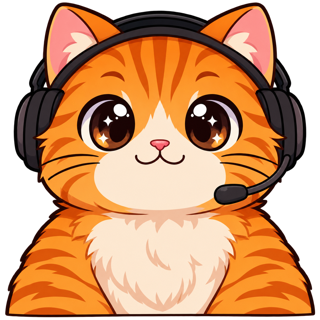
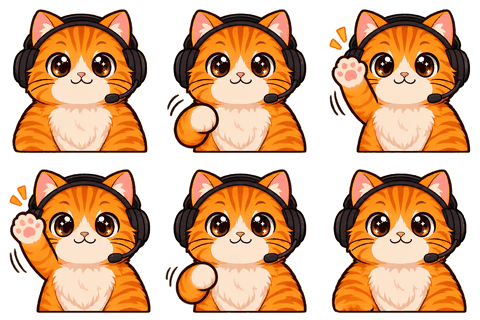
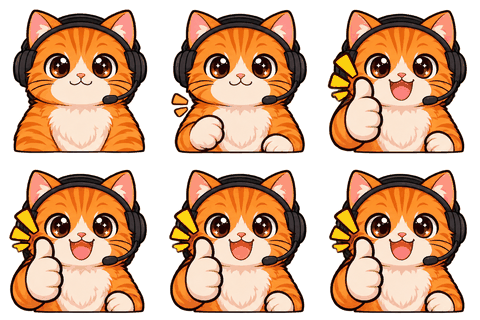
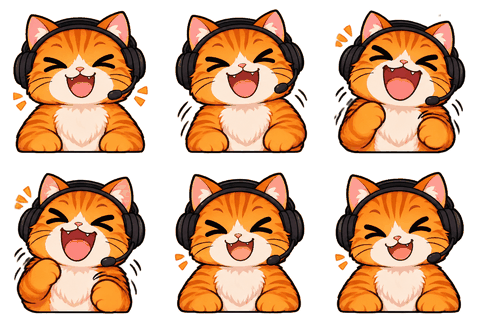
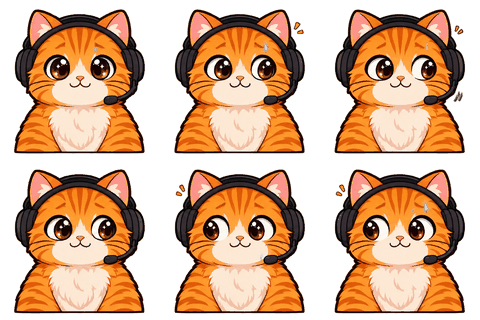
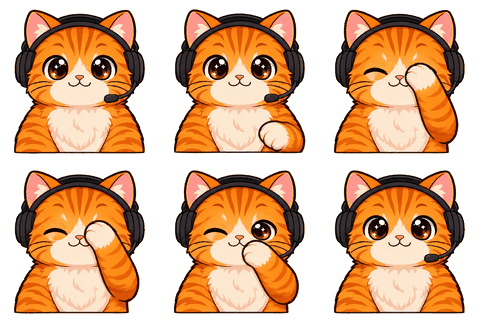
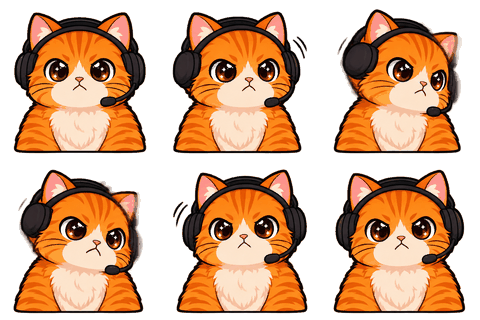
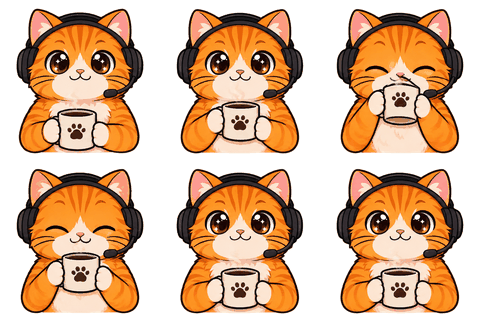
Discord’s rules
Stickers are stricter than emoji
Emoji can be any square size under 256 KB. Stickers must be exactly 320×320 pixels and under 512 KB, as a PNG or an animated APNG (Discord’s blog also mentions GIF). Upload anything else and the form refuses it. On top of that, sticker slots come from server Boosts, so most servers have only a handful — worth filling with your best reactions.
How it works
From emote to sticker without spending credits
- 1Make emotes
Lock your character and make a few animated emotes (1 credit each).
- 2Pick
In the Stickers module, tick the ones you want as stickers.
- 3Choose motion
Animated (APNG) keeps the loop; still (PNG) uses the clearest frame.
- 4Download
We re-slice at 512 px with a white outline, scale to 320, encode and check each file.
APNG is encoded with an indexed palette, which keeps an 8-frame 320 px sticker well under 512 KB in most cases. If one isn’t, the encoder drops colors, then frames, and the panel says which.
Design
Why stickers get a white outline
Stickers show big in chat on any background. A white outline (about 14 px at 512) separates the character from dark mode, light mode and busy chat. It’s the same convention WhatsApp and Telegram recommend for their stickers, so one design works everywhere.
Same click
WhatsApp and Telegram come along
The same export writes WhatsApp static stickers (512×512 WebP under 100 KB, with the 96×96 tray icon) and Telegram static stickers (512 px PNG). Animated WhatsApp stickers and Telegram video stickers are coming soon.
Limits: WebP encoding needs Chrome, Edge or Firefox; Safari can’t write WebP from a canvas yet, and the panel tells you if that’s the case.
Who it’s for
Who this is for
Made for server owners who already have emoji and want stickers that match, and for streamers whose Discord is where the community actually lives. Stickers are free once the emotes exist, so the only cost is the reactions themselves.
Ideas
Stickers people actually send
- Sign stickers: your character holding “GG”, “BRB”, “Welcome!” or a server in-joke (sign emote, 1 credit).
- Big reactions: shock, facepalm, love — they read better at sticker size than at emoji size.
- Seasonal: a Christmas outfit version for December, a Halloween one for October.
A sticker should work without context. If you need to explain it, it’s an emoji.
Off-screen
And on paper
The same art can go on real stickers. The free Print sticker sheet module lays out 12 on A4 or Letter with white outlines, bleed and crop marks, for sticker paper at home or a print shop.
Animated stickers take a little longer to prepare than still ones because every frame is re-encoded with a shared palette; it still happens in seconds, in your browser.
Stickers vs emoji
When to use which
Emoji sit inline with text and are spammed; stickers are sent on their own and seen big. That changes what works. Emoji want simple faces that read at 22–48 px; stickers can carry a sign, a prop or a full pose at 160 px on screen. Make the reaction as an emote first, see it at both sizes in the workbench, and keep the ones that land.
Specs
The limits we check for this page
| Platform | What | Size | Max file | Format | Source |
|---|---|---|---|---|---|
| Discord | Server sticker (320×320 exactly) | 320 | 512 KB | PNG, APNG, GIF | Official |
| Discord | Server emoji (128×128 recommended) | 128 | 256 KB | PNG, GIF, WEBP, JPG | Official |
| Static sticker (512×512 WebP) | 512 | 100 KB | WEBP | Official | |
| Telegram | Static sticker (512 px side) | 512 px on one side | 512 KB | PNG, WEBP | Official |
Last checked 2026-11-06. “Common value” means the platform doesn’t publish it; check its upload page. Sources: Twitch animated emotes, Twitch badges, Discord emoji, Discord stickers, WhatsApp stickers, Telegram stickers.
FAQ
Frequently asked questions
What size is a Discord sticker?
Exactly 320×320 px, under 512 KB, as PNG or animated APNG.
Do stickers cost credits?
No. They’re made from emotes you already generated, in your browser.
Why can’t I upload stickers to my server?
Sticker slots come with server Boost levels. Without Boosts the server has no sticker slots.
Animated or still?
Both. Animated stickers are APNG; still ones use the clearest frame of the loop.
Can I use GIF for stickers?
Discord’s help page lists PNG and APNG; its blog also mentions GIF. We export APNG to be safe.
What if the file is too big?
The encoder reduces colors and then frames until it fits under 512 KB, and shows what it changed.
Do you add an outline?
Yes, a white outline that keeps stickers readable on dark and light themes.
Can I print them?
Yes. The Print sticker sheet module lays out 12 on A4 or Letter with bleed and crop marks, free.
How many stickers can my server have?
It depends on your server’s Boost level; Discord shows the available sticker slots in Server Settings → Stickers.
Do sticker files keep transparency?
Yes. PNG and APNG stickers keep the transparent background, with a white outline around the character.
Can I make sign stickers?
Yes. Make a sign emote with your words (1 credit), then export it as a sticker for free.
Related
Keep going
No character yet? Design one in 2 minutes.
Upload a picture or answer five questions. First round of drafts is free.