WhatsApp sticker maker
WhatsApp Sticker MakerA pack of your character, ready to import.
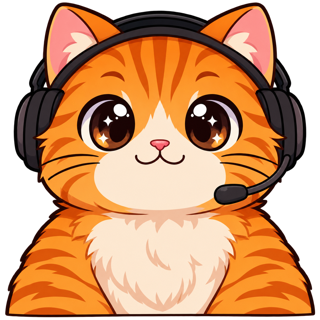
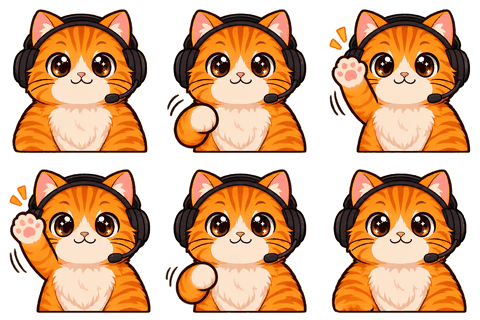
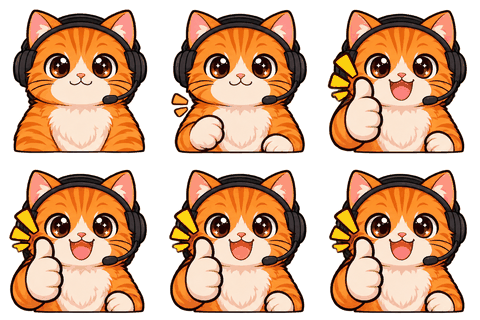
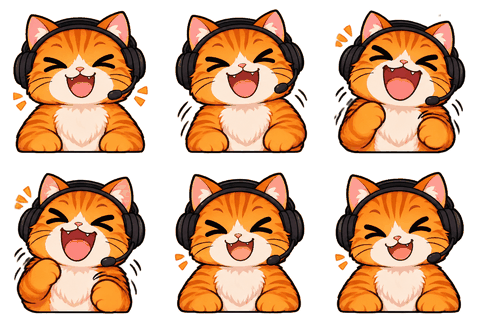
WhatsApp Sticker Maker exports a pack of 3–30 stickers of your locked character as 512×512 WebP files under 100 KB each, with the white outline WhatsApp recommends and the 96×96 tray icon — and the same stickers for Telegram and Discord.
- One character, every asset
- Passes Twitch & Discord limits
- Start free, no picture needed

The format
WhatsApp’s sticker rules, in plain words
- Each sticker is exactly 512×512 px, WebP, transparent background.
- Static stickers must be under 100 KB (animated ones under 500 KB).
- A pack has 3 to 30 stickers, and can’t mix static and animated.
- A 96×96 tray icon identifies the pack.
- An 8 px white outline is recommended so stickers stand out on chat wallpapers.
Those come from WhatsApp’s own sticker repository on GitHub. Our exporter checks every file against them and counts the pack for you.
Getting them into WhatsApp
How people actually import a pack
WhatsApp doesn’t have an “upload stickers” button. Packs reach WhatsApp through an app: a sticker-maker app that imports WebP files, or WhatsApp’s official sample app if you build it yourself. Download the zip on your phone, open the whatsapp folder in the sticker app, add the tray icon, and publish to WhatsApp.
For Telegram it’s simpler: open @Stickers, send /newpack and send each 512 px PNG as a file.
Not just for streamers
Group chats, families, small shops
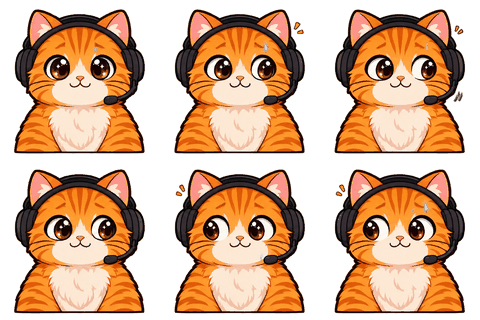
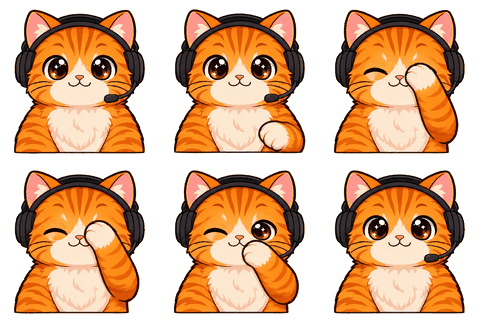
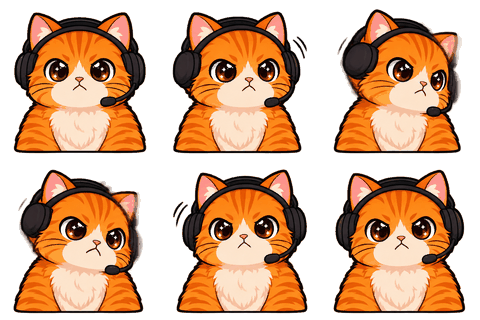
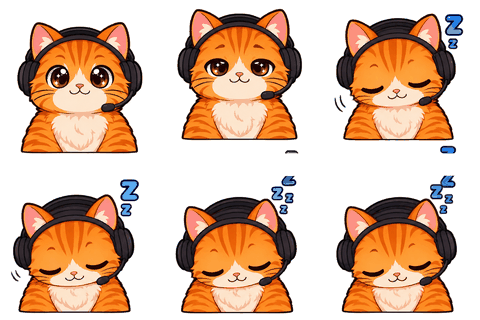
A sticker pack of your own character is a strange amount of fun in a group chat. Design a character from a sentence (“a grumpy cat accountant”) if you don’t want to use your face. Make 8 reactions, export, share the pack. The first round of drafts is free.
Small shops use the same pack as a brand mascot in customer chats. The Mascot pack module adds favicons and social avatars from the same character.
Who it’s for
Who this is for
Made for group chats as much as for streamers: families, friend groups, clubs and small shops that want a sticker pack of their own character. Nothing about the export is streamer-specific.
Steps
Your pack in five minutes
- 1Character
Upload a picture or design one from a sentence.
- 2Sheet
Confirm the character sheet (2 credits).
- 3Reactions
Make 3 or more emotes — say Hi, LOL, Love, Sad, Sleep (1 credit each).
- 4Export
In Stickers, tick them and prepare files; the pack counter turns green at 3.
- 5Import
Open the whatsapp folder in your sticker app and publish.
Each WebP is quality-stepped until it’s under 100 KB; most land well below. The tray icon is made from your first sticker.
Design
Why the white outline matters on WhatsApp
WhatsApp chats sit on wallpapers, dark mode, light mode and photos. A transparent sticker without an outline disappears into busy backgrounds; WhatsApp’s own guidelines recommend an 8 px white outline for that reason. Ours is drawn after slicing, around the character’s silhouette, so it follows hair and hands instead of being a box.
Telegram recommends the same outline, so the Telegram files in the zip use it too.
Packs
Naming and ordering a pack
Sticker apps show the pack in the order you add files. Put the most-used reaction first: it becomes the tray icon too. Name the pack after the character, not the app. Files in the zip are named character_move_512.webp, so they sort sensibly.
Limits
What’s not here yet
Animated WhatsApp stickers (animated WebP) and Telegram video stickers (WEBM VP9) are coming soon. WebP encoding happens in your browser and needs Chrome, Edge or Firefox; Safari can’t write WebP from a canvas.
Specs
The limits we check for this page
| Platform | What | Size | Max file | Format | Source |
|---|---|---|---|---|---|
| Static sticker (512×512 WebP) | 512 | 100 KB | WEBP | Official | |
| Tray icon (96×96 PNG) | 96 | 50 KB | PNG | Official | |
| Telegram | Static sticker (512 px side) | 512 px on one side | 512 KB | PNG, WEBP | Official |
Last checked 2026-11-06. “Common value” means the platform doesn’t publish it; check its upload page. Sources: Twitch animated emotes, Twitch badges, Discord emoji, Discord stickers, WhatsApp stickers, Telegram stickers.
FAQ
Frequently asked questions
What size is a WhatsApp sticker?
512×512 px WebP, under 100 KB for static stickers and 500 KB for animated ones, in packs of 3 to 30.
Do I get a tray icon?
Yes, 96×96 PNG from your first sticker.
Can I make animated WhatsApp stickers?
Not yet; animated WebP export is coming soon. Static packs work today.
How do I add them to WhatsApp?
Through a sticker app that imports WebP files, or WhatsApp’s sample app. The README in the zip has the steps.
Do they cost credits?
No. Stickers are made from emotes you already generated.
Can I use a character instead of my face?
Yes. Design one from a short brief; the first drafts are free.
Do they work on Telegram?
Yes, 512 px PNG versions are in the same zip.
Why does it say my browser can’t write WebP?
Safari doesn’t support WebP export from a canvas. Use Chrome, Edge or Firefox for the WhatsApp files.
Is there a limit on how many packs I can make?
No. Make as many emotes as you like and export them in packs of up to 30.
Can I share the pack with friends?
Yes. Once it’s in WhatsApp, anyone you send a sticker to can add it to their collection.
Do I need a WhatsApp business account?
No. Sticker packs are added through a sticker app on any WhatsApp account.
Related
Keep going
No character yet? Design one in 2 minutes.
Upload a picture or answer five questions. First round of drafts is free.