Discord emoji maker
Discord Emoji MakerAnimated GIF emoji that fit under 256 KB.
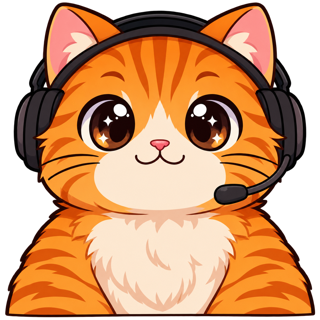
Discord Emoji Maker turns your server mascot, your face or a quick idea into a locked character and makes animated GIF emoji at 128×128 under Discord’s 256 KB limit, plus 320×320 stickers — so a whole server pack looks like it was drawn by one hand.
- One character, every asset
- Passes Twitch & Discord limits
- Start free, no picture needed
The problem
“File cannot be larger than 256.0 kb”
That message is the most common reason a server emoji never gets uploaded. A 128 px GIF with 30 frames and a gradient background goes over the limit without trying. You then spend an hour in an online optimizer that makes it blotchy.
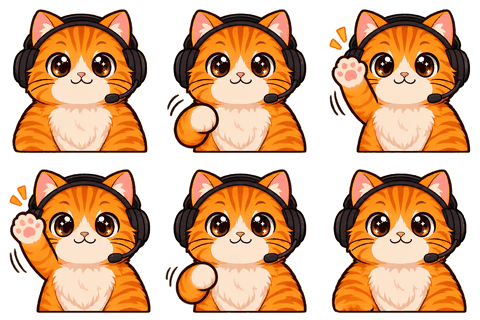
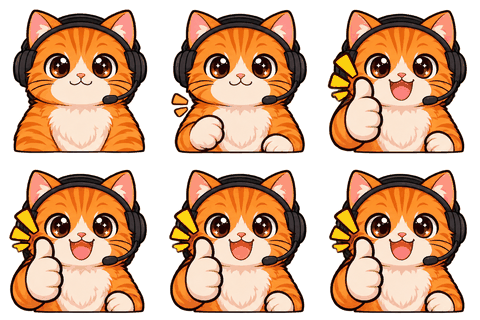
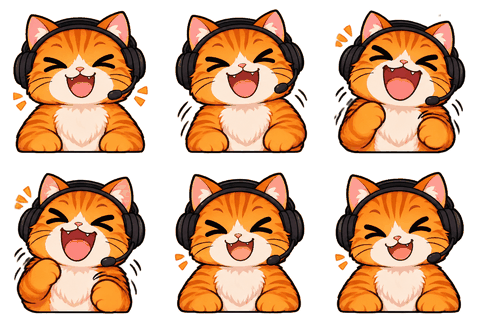
Here every emoji is made for the limit from the start: 8 frames, a transparent background, a palette that the encoder can shrink, and a clean white outline that survives Discord’s dark and light themes. If a file still comes out too big, the encoder reduces colors and frames until it fits, and tells you what it did.
For server owners
A server pack that matches
Community servers grow emoji the way a junk drawer grows cables: one from a member, one from a template site, one screenshot cropped badly. Nothing matches. A mascot gives a server an identity, and a locked character lets you add to the set months later without it looking off.
- Design a mascot from five questions if your server doesn’t have one yet.
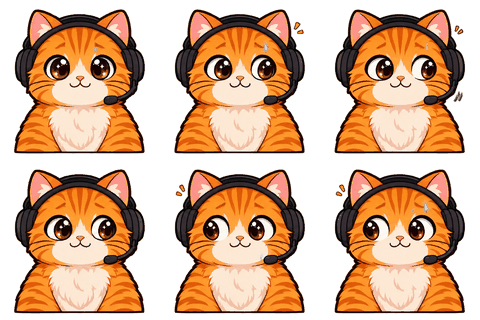
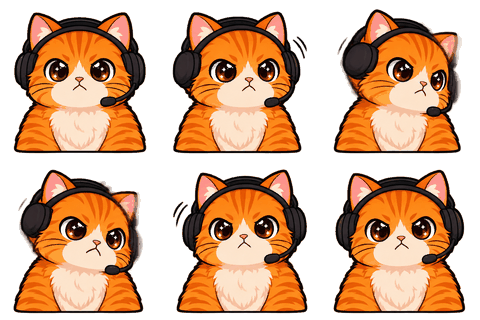
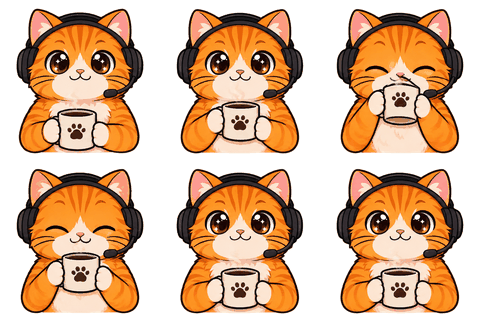
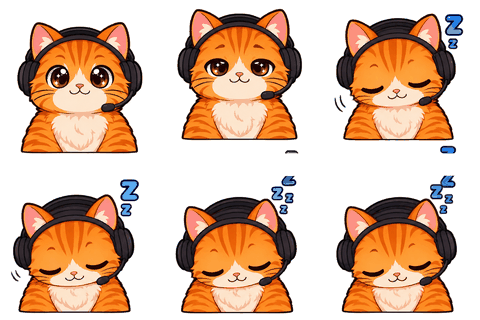
- Make 8 reaction emoji in one go: hi, GG, LOL, love, sad, sip, sleep, hype — or pick from 16.
- Turn any of them into 320×320 stickers for free, animated (APNG) or still.
- Come back in December and put the mascot in a Christmas sweater; the face stays the same.
Slots and boosts
How many emoji you can add
Every server starts with 50 static and 50 animated emoji slots, and server Boosts add more. Stickers are different: they need Boost slots before you can upload any. Discord ties some emoji use to Nitro (animated emoji and using emoji from other servers), so check its emoji help page for who can post what in your server.
The download keeps static and animated versions apart, so you can fill the static slots first and save the animated ones for the reactions people actually spam.
Which emoji to make first
The eight reactions servers actually use
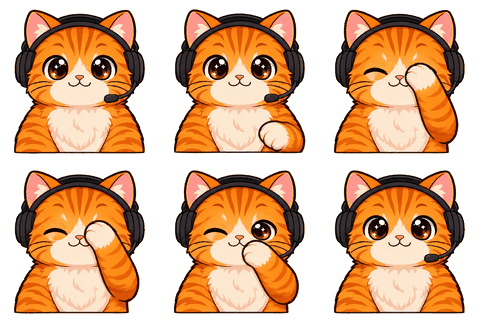
Look at any active server’s emoji stats and the same reactions win: a greeting, agreement, laughter, love, sadness, a “sip” for drama, sleep for “I’m out”, and something loud for hype moments. That’s why those eight are pre-selected. Swap any for Facepalm, No, Clap, Shock, Sweat, Dance, Think or a custom move written in a line.
Name the emoji after the move (:mochi_lol:) so members find them by typing. File names in the zip already follow that pattern.
Beyond Discord
The same files on 7TV and BetterTTV
If your Discord community also hangs out in your Twitch chat, the 7tv and bttv folders hold the same emotes sized for those extensions, so the reactions match across platforms.
Honest limits
What to expect
AI can misdraw small things — a hand, a cup, a word. Watch each loop in the preview; redo a single emoji for 1 credit if it’s off. Don’t upload other people’s faces or characters you don’t own; Discord removes reported copyright emoji, and our terms don’t allow it either.
We check file size, dimensions, format and transparency against Discord’s published numbers. Discord can change them; the check panel links to the source page we used.
Specs
The limits we check for this page
| Platform | What | Size | Max file | Format | Source |
|---|---|---|---|---|---|
| Discord | Server emoji (128×128 recommended) | 128 | 256 KB | PNG, GIF, WEBP, JPG | Official |
| Discord | Server sticker (320×320 exactly) | 320 | 512 KB | PNG, APNG, GIF | Official |
| 7TV | Emote (128×128 recommended) | 128 | 1 MB | PNG, GIF, WEBP | Common value |
| BetterTTV | Emote (112×112) | 112 | 1 MB | PNG, GIF | Common value |
Last checked 2026-11-06. “Common value” means the platform doesn’t publish it; check its upload page. Sources: Twitch animated emotes, Twitch badges, Discord emoji, Discord stickers, WhatsApp stickers, Telegram stickers.
FAQ
Frequently asked questions
What size should a Discord emoji be?
128×128 px is the recommended size, and the file must be under 256 KB. Our animated emoji are 128×128 GIFs made to fit that limit.
Why is my Discord emoji too big?
Because the file is over 256 KB, usually from too many frames or colors. Ours use 8 frames and a reduced palette when needed; the free Discord emoji resizer fixes existing files.
Can I make stickers too?
Yes, for free from emoji you made: 320×320 PNG or animated APNG under 512 KB. Your server needs Boost slots for stickers.
Do I need Nitro?
Not to upload: server admins upload into the server’s emoji slots. Discord ties some uses (animated emoji, emoji from other servers) to Nitro; its emoji help page has the current rules.
Can I make a mascot without a picture?
Yes. Choose “Design a character for me”. The first round of four drafts is free on a new account.
How much does a server pack cost?
One credit per animated emoji, two for the character sheet. A sheet and 8 emoji is 10 credits — about $5 on the 40-credit pack.
Can members of my server use the same character?
Yes. Download the pack and share it, or export a character card PDF so other artists can follow the design.
Do you keep the files?
Sprite sheets for 7 days, your character until you delete it. Everything is encoded in your browser.
Related
Keep going
No character yet? Design one in 2 minutes.
Upload a picture or answer five questions. First round of drafts is free.