Picture to emote
Turn a Picture into EmotesA selfie, a drawing or a mascot.
Upload one to three pictures — a selfie, a sketch or an existing mascot — and Picture to Emote locks them into a character and makes animated Twitch and Discord emotes from it, sized, outlined and checked, without you opening an editor.
- One character, every asset
- Passes Twitch & Discord limits
- Start free, no picture needed
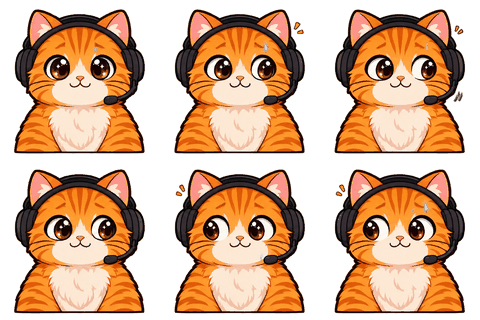
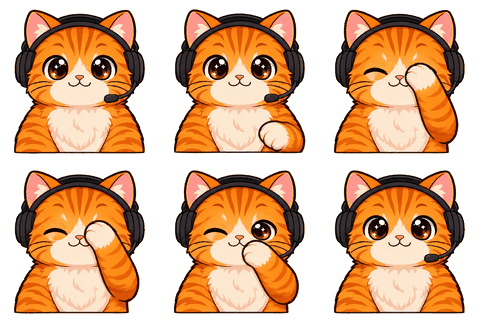
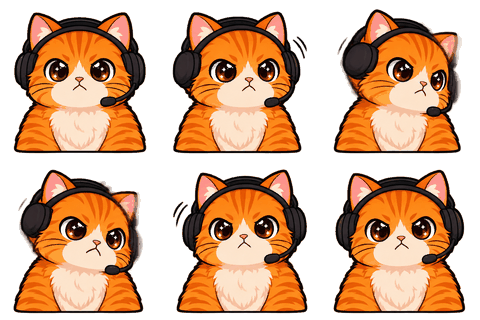
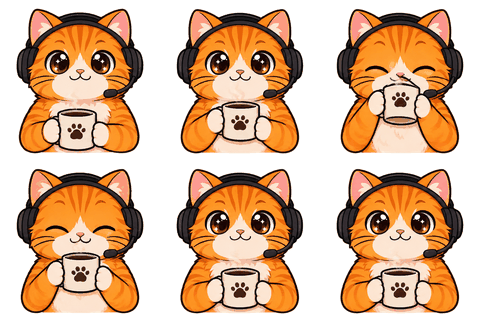
Choosing pictures
What makes a good source picture
One clear front view does most of the work. A side view and a full-body picture help the model understand hair and outfit, but they are optional. PNG, JPG or WEBP, up to 10 MB each, up to three pictures.
- Good: one person or one character, face clearly visible, even light, simple background.
- Okay: a phone selfie, a pencil sketch photographed flat, an old avatar.
- Avoid: group photos, tiny faces, heavy filters, screenshots of someone else’s character.
You must own the picture or have permission, and you must not upload another real person without their consent. That’s a checkbox on the form and a rule in our terms.
Style
Keep your look, or restyle it
Keep my style is the default: the model follows your picture’s lines and colors. If you upload a photo and want a cartoon, pick Chibi cartoon, Anime, Pixel art, 3D toy or Flat sticker. The style is applied once, on the character sheet, and then held for every emote.
A photo turned into a chibi works surprisingly well as an emote, because big heads and simple shapes read at 28 px. A detailed realistic photo emote usually doesn’t.
Steps
What happens after you upload
- 1Sheet
We draw a 2K character sheet: three views and six expressions (about 30–60 seconds, 2 credits).
- 2Confirm
You check it. If the face or colors are off, redo it. When it looks right, lock it.
- 3Emotes
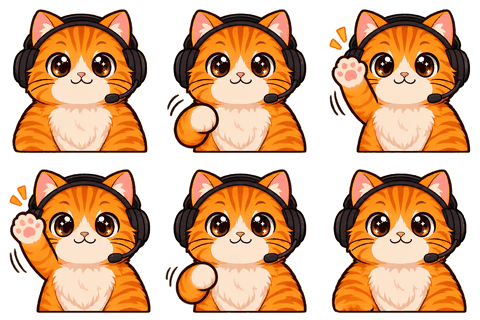
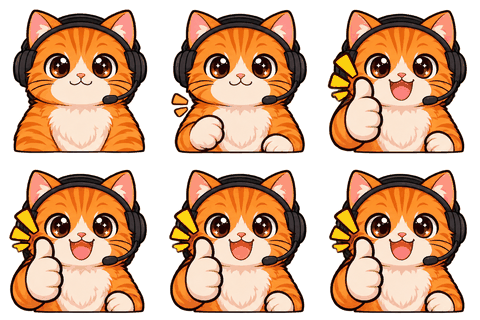
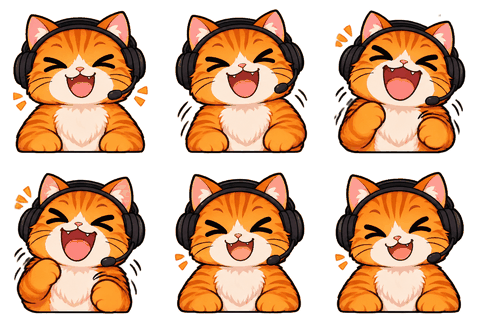
Pick up to 8 moves. Each becomes an 8-frame loop (1 credit each).
- 4Download
Slice, size and check in your browser; download one zip.
Your pictures are copied into your character so you can make more later. The original uploads are deleted after 2 days; the character’s copies stay until you delete the character.
Examples
Three kinds of source picture
- A selfie with a plain wall behind you → Chibi cartoon. Big head, your hair and glasses, your hoodie color. The most popular route for streamers who show their face.
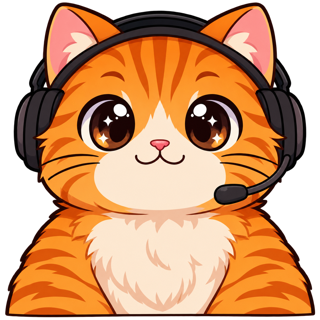
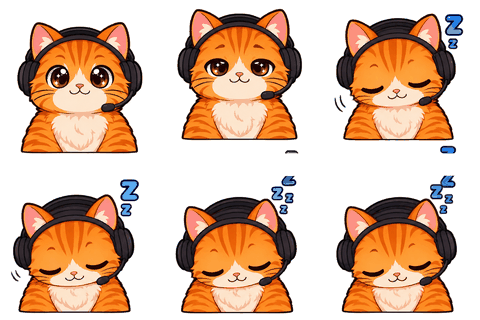
- A pencil sketch of your mascot, photographed flat → Keep my style. The model cleans the lines and keeps the hand-drawn feel; the sample on this page started as one.
- An old avatar PNG → Flat sticker. Bold outlines and solid colors make a tired avatar work as emotes.
Whatever you upload, the character sheet is your checkpoint. It costs 2 credits, comes back in under a minute, and you can redo it until it looks like the picture. Only after you lock it does anything else get made.
Compared with doing it by hand
What you skip
By hand, a picture becomes an emote through a background remover, a crop, an outline effect, a resize to three sizes, and an export that may or may not be small enough. For an animated emote, add drawing or warping eight frames. Here you upload once, confirm the sheet, choose moves, and the cutting, outlining, sizing and checking happen automatically. You still decide what looks right; you just don’t push pixels.
Limits
What can go wrong
Very dark or very busy pictures give weaker sheets. Glasses, piercings and logos on clothing are where drift shows up first. And remember that a photo-real emote of yourself may be lovely at 112 px and unreadable at 28 — preview it in the fake chat line before you upload it anywhere.
FAQ
Frequently asked questions
What file types can I upload?
PNG, JPG or WEBP, up to 10 MB each, 1–3 pictures. A front view is required; side and full-body views are optional.
Can I use a photo of my friend?
Only with their consent. You confirm that before uploading, and our terms forbid using another real person’s likeness without it.
Can I upload a character from a game or show?
No. Characters and logos you don’t own can’t be used, and platforms reject them as emotes anyway.
Do I need to remove the background first?
No. The character sheet is drawn on a transparent background; if the model returns a flat background, the slicer removes it.
How long until I see results?
The sheet takes about 30–60 seconds; each emote about 20 seconds.
How much is it?
Two credits for the sheet and one per emote. New accounts get 3 credits: a sheet and one emote.
Where do my pictures go?
Into our Cloudflare R2 storage. Uploads are deleted after 2 days; the copies in your character stay until you delete it.
Can I make a static emote only?
Every animated emote comes with static 112/56/28 PNGs from its clearest frame, so yes.
Related
Keep going
No character yet? Design one in 2 minutes.
Upload a picture or answer five questions. First round of drafts is free.