PNGTuber maker
PNGTuber MakerFour states, one canvas, test it with your mic.
PNGTuber Maker draws your character’s idle, talking, blink and blink-talking states as transparent 1024×1024 PNGs on one shared canvas, lets you test them with your microphone right in the browser, and exports a pack ready for veadotube mini, PNGTuber Plus or OBS.
- One character, every asset
- Passes Twitch & Discord limits
- Start free, no picture needed
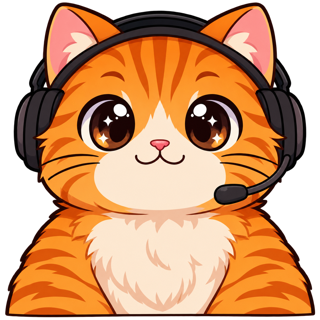
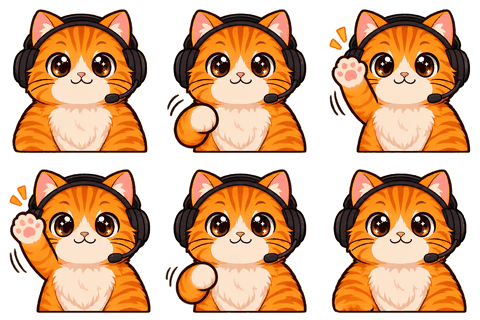
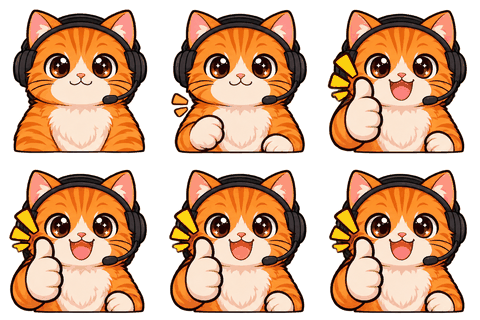
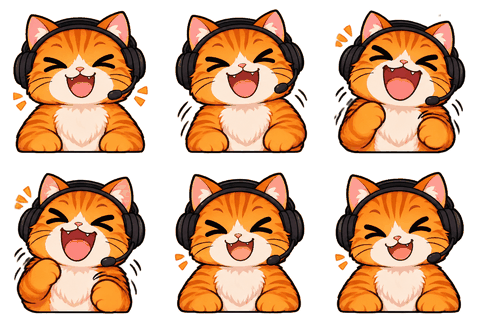
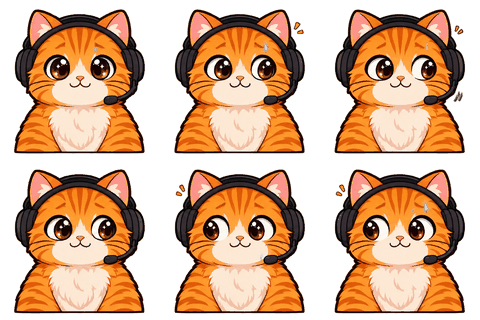
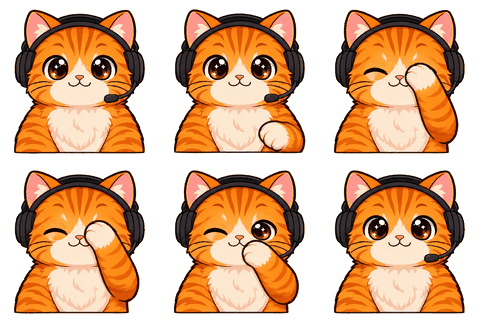
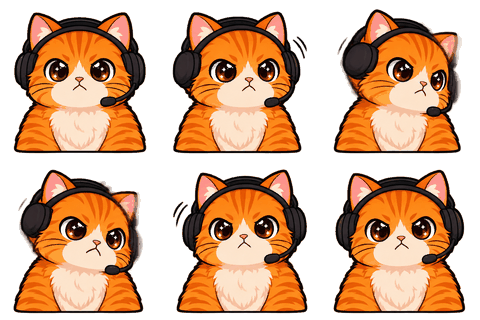
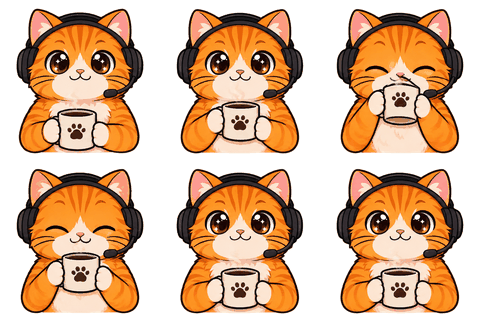
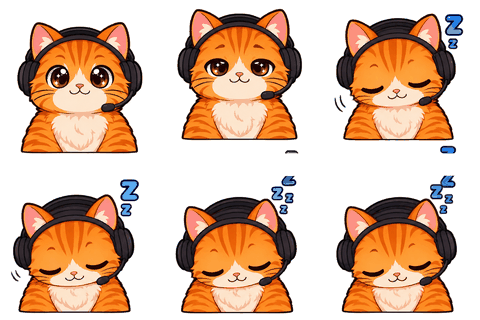
The four images
Why all four come from one image
A PNGTuber is just images that swap: one with the mouth closed, one with it open, and the same two with the eyes shut so you can blink. The trick is that they must line up perfectly, or your head jumps every time you talk. Drawing them separately almost guarantees a jump.
So we draw all four states in one 2×2 sheet with an instruction that only the mouth and eyes change, then slice them with the same alignment math used for animated emotes. They land on the same 1024×1024 canvas in the same spot.
Talk test
Hear it before you set it up
Press “Start talk test” and talk. Your mic level opens the mouth; a random blink fires every few seconds; a little bounce sells the motion. Adjust the threshold slider until normal speech opens the mouth and keyboard clicks don’t. Switch the background to green screen to see it like OBS will.
The test runs only in your tab with the Web Audio API. Nothing is recorded or uploaded. There’s also a free standalone PNGTuber tester for images you already have.
Setup
Into your streaming app
- 1veadotube mini
Drag idle.png, talking.png, blink-idle.png and blink-talking.png onto the matching states, set the mic threshold, add the window capture in OBS.
- 2PNGTuber Plus
Create a sprite, set the idle and talking images, enable blinking and add the blink images.
- 3OBS only
Add idle.png as an Image source for a still avatar; use an app or a plugin for mouth movement.
Mood sets (happy, angry, sad, surprised) export into their own folders with the same four file names, so apps with hotkeys can switch expressions.
Tips
Make it feel alive
- Set the mic threshold just above your room noise, so the mouth stays shut when you’re typing.
- Blink every 2–6 seconds; the talk test does this randomly, and most apps can too.
- A small bounce while talking (most apps have a “bounce” option) does more than extra frames.
- Use a mood set on a hotkey for big moments: surprised for jump scares, angry for losing streaks.
- Keep the avatar in the same corner every stream; viewers learn where to look.
The PNGs use the full 1024×1024 canvas with transparent padding, so you can scale them down in OBS without blurry edges.
Starting point
From a picture or from scratch
Upload a picture of yourself or your existing avatar under “I have a picture”, or design a character from five questions. Either way, the four states are drawn from your locked sheet, so your PNGTuber matches your emotes and badges.
Why PNGTuber
The cheapest way to be on camera without a camera
A PNGTuber setup costs nothing but images and a free app, runs on any PC, and doesn’t need face tracking. Viewers still get a face that reacts when you talk, which keeps a stream feeling personal. Many streamers stay PNGTubers for years; others use it as a bridge to a Live2D model. Either way, the four states here match your emotes and badges, so the whole channel looks like one character.
Limits
What it isn’t
It isn’t a rigged model and it doesn’t track your face. If the mouth change also nudges the head in one of the four cells, redo the set (1 credit). Animated GIF states aren’t made here yet; the PNGs are what every app accepts.
Specs
The limits we check for this page
| Platform | What | Size | Max file | Format | Source |
|---|---|---|---|---|---|
| PNGTuber apps | Avatar states (same canvas) | 1024 | 20 MB | PNG, GIF, APNG, WEBP | Official |
Last checked 2026-11-06. “Common value” means the platform doesn’t publish it; check its upload page. Sources: Twitch animated emotes, Twitch badges, Discord emoji, Discord stickers, WhatsApp stickers, Telegram stickers.
FAQ
Frequently asked questions
What images do I need for a PNGTuber?
Four on the same canvas: idle, talking, blink while idle and blink while talking. Two (idle and talking) is the minimum.
What size are the files?
1024×1024 transparent PNGs, all on one canvas, so they line up in any app.
Does the mic test record me?
No. It reads the volume level in your browser tab only; nothing is stored or sent.
Which apps work?
veadotube mini, PNGTuber Plus, and anything that swaps images by talking state. The README has steps.
Can I have different expressions?
Yes, mood sets for happy, angry, sad and surprised, each with the same four states.
How much is a PNGTuber set?
One credit per set of four, after your character is locked (2 credits for the sheet).
Can I test images I already have?
Yes, with the free PNGTuber tester page.
Why does my head jump when I talk?
Because the images don’t share one canvas. Ours do; for your own, the tester shows the jump so you can fix the alignment.
Can I use the PNGTuber files on a green screen?
Yes. The PNGs are transparent; the talk test has a green-screen background so you can preview it the way OBS will show it.
Related
Keep going
No character yet? Design one in 2 minutes.
Upload a picture or answer five questions. First round of drafts is free.